
Smart Home & Device Support
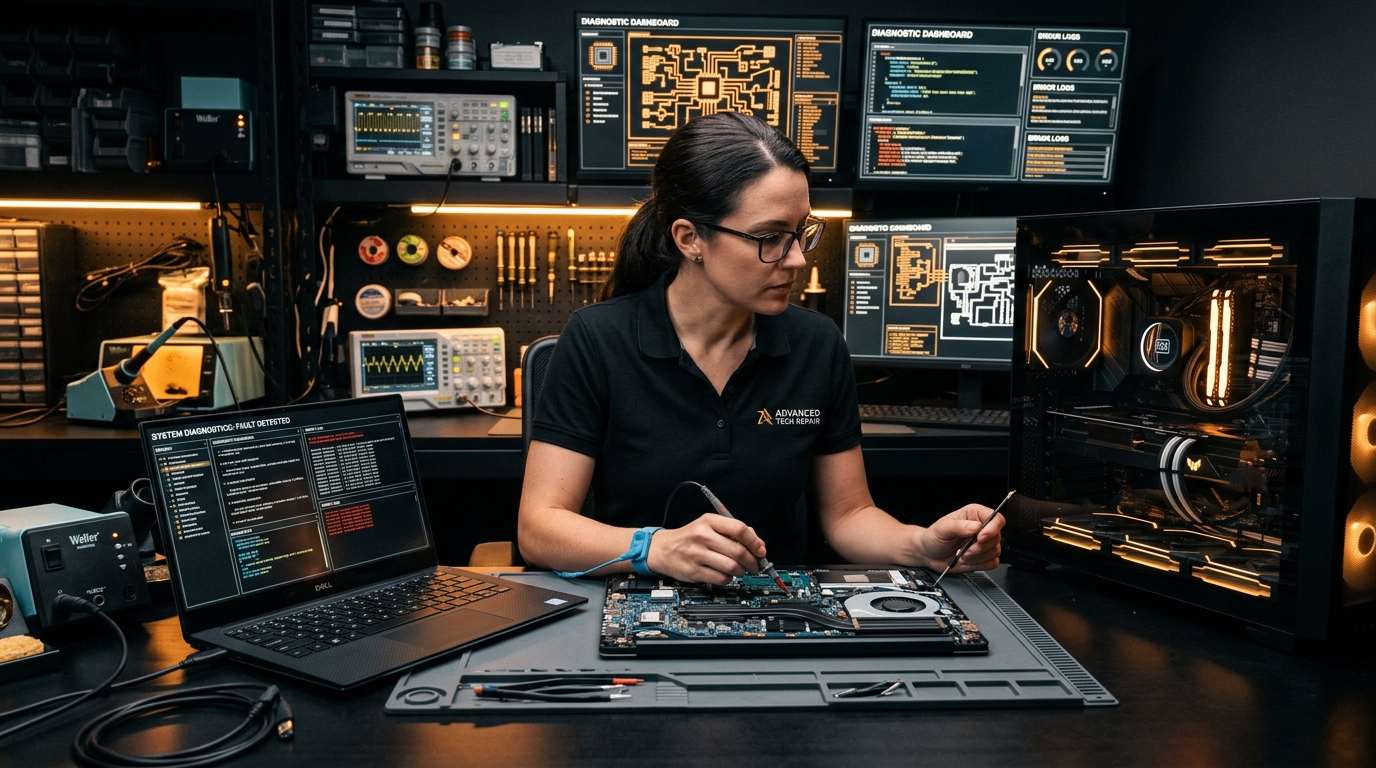
Get quick, friendly help with your household computers, internet setup, smart appliances, and printer connections. Our local specialists diagnose issues clearly and get your tech running smoothly.
Our support services
Select a category below to view detailed issues we solve.
Laptop Repair & Tune-ups
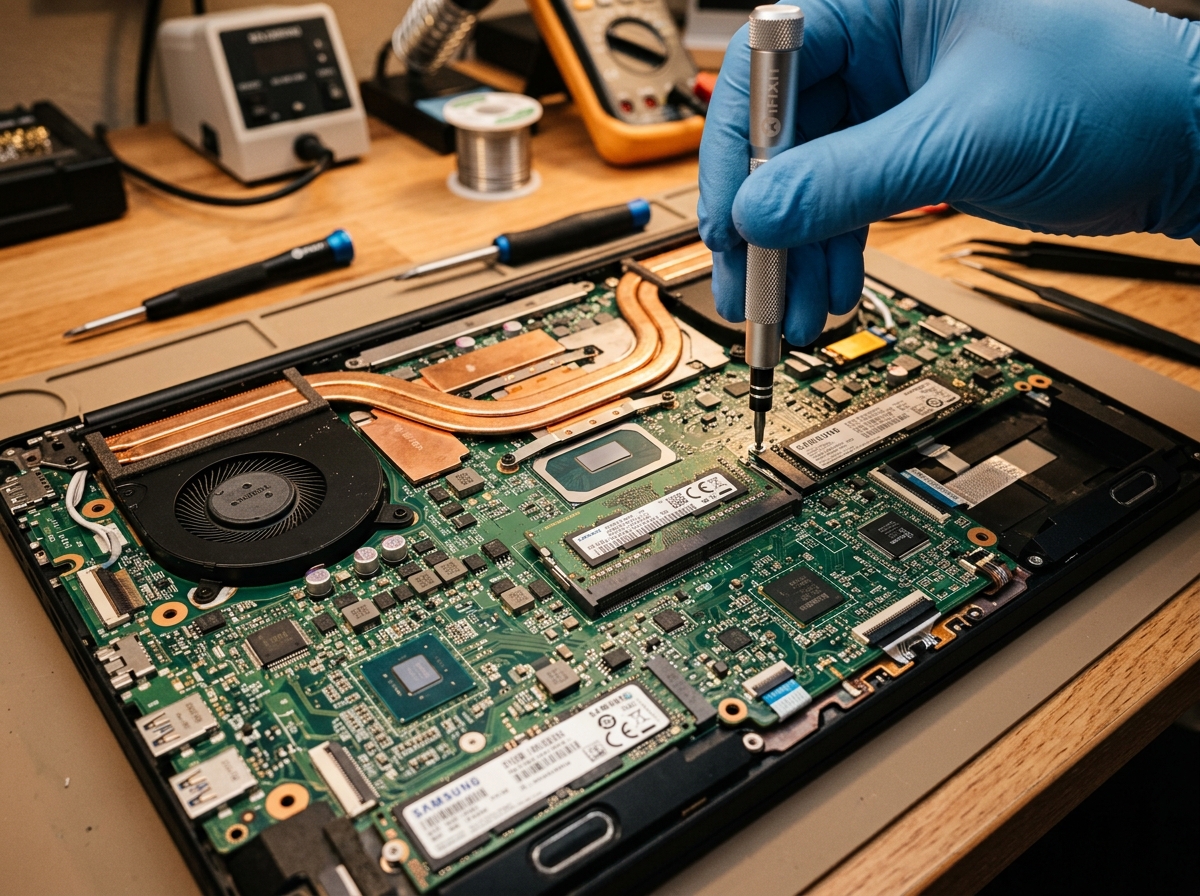
Laptops are essential for work, school, and daily tasks. Over time, screens can crack, batteries lose their charge, and components overheat due to dust. We provide fast and reliable diagnostics to resolve your laptop issues.
Specific Issues We Solve:
Fixing cracked screens, vertical or horizontal lines, dim displays, flickering backlight errors, and replacing damaged hinges.
Diagnosing fast battery drain, laptops not charging when plugged in, and replacing loose power jack ports.
Cleaning dust out of vents, resolving loud buzzing fan noises, and replacing worn thermal paste on processors.
Replacing keys that don't respond, fixing sticky keyboard buttons, and resolving erratic touchpad mouse tracking.
Cleaning internally after water, tea, or coffee spills to prevent motherboard corrosion and short-circuits.
Removing unnecessary startup applications and scanning folders for files that slow down the operating system.
Desktop PC Repair & Upgrades
If your computer is freezing, showing error screens, or won't start up at all, it can block your daily routine. Often, computers run slowly because of old storage drives or low memory. We can inspect the hardware and upgrade parts to make your PC start and load apps instantly.
Specific Issues We Solve:
Fixing PCs that won't turn on, make repeating beep alerts, or fans spin but the display screen remains blank.
Troubleshooting windows blue screen errors, screen lockups, and constant spinning loading circles.
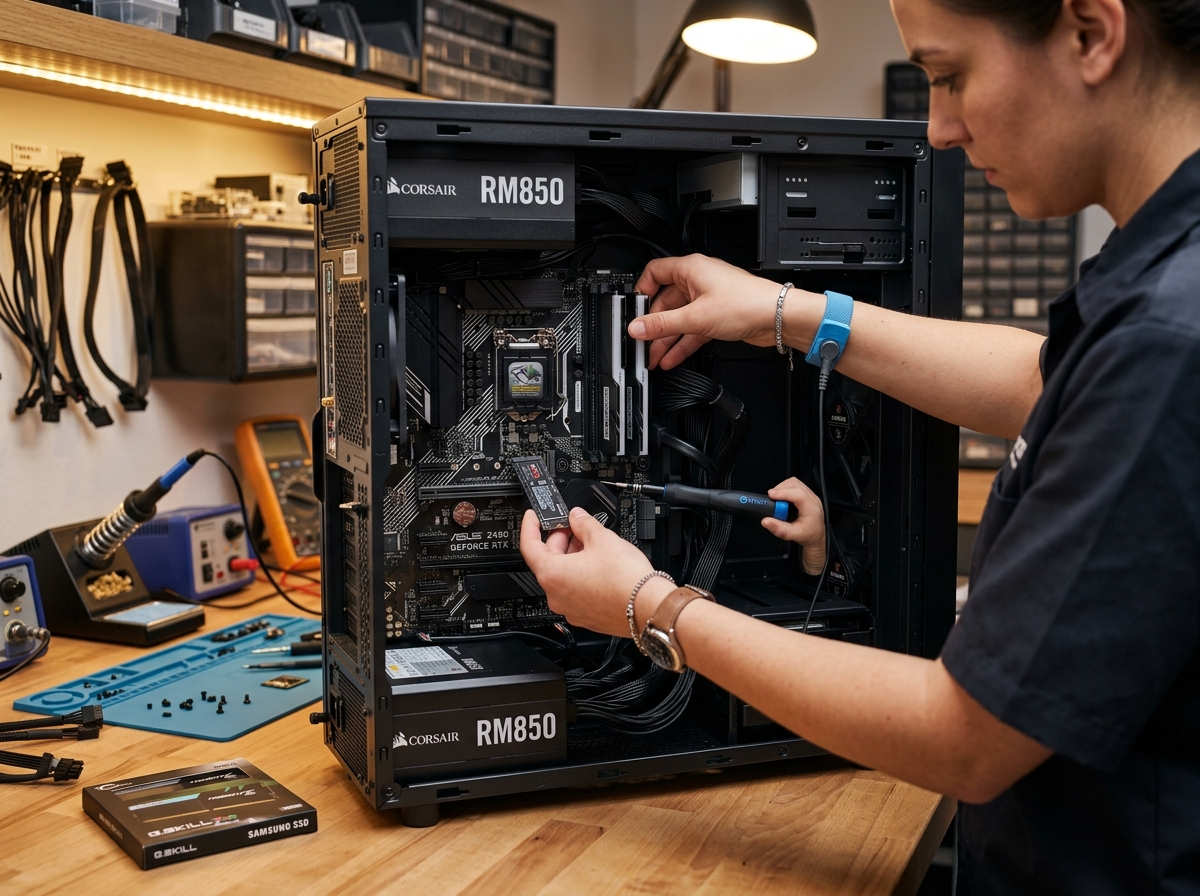
Upgrading old mechanical hard drives to modern Solid State Drives (SSDs) to make your computer load files and boot up in seconds.
Adding computer memory so you can open multiple browser tabs, programs, and files together without freeze events.
Fixing screen tearing, low video performance, installing graphics card drivers, and replacing display cables.
Replacing old power supply units (PSU) when the computer turns off suddenly or refuses to deliver clean power.
Printer & Scanner Troubleshooting
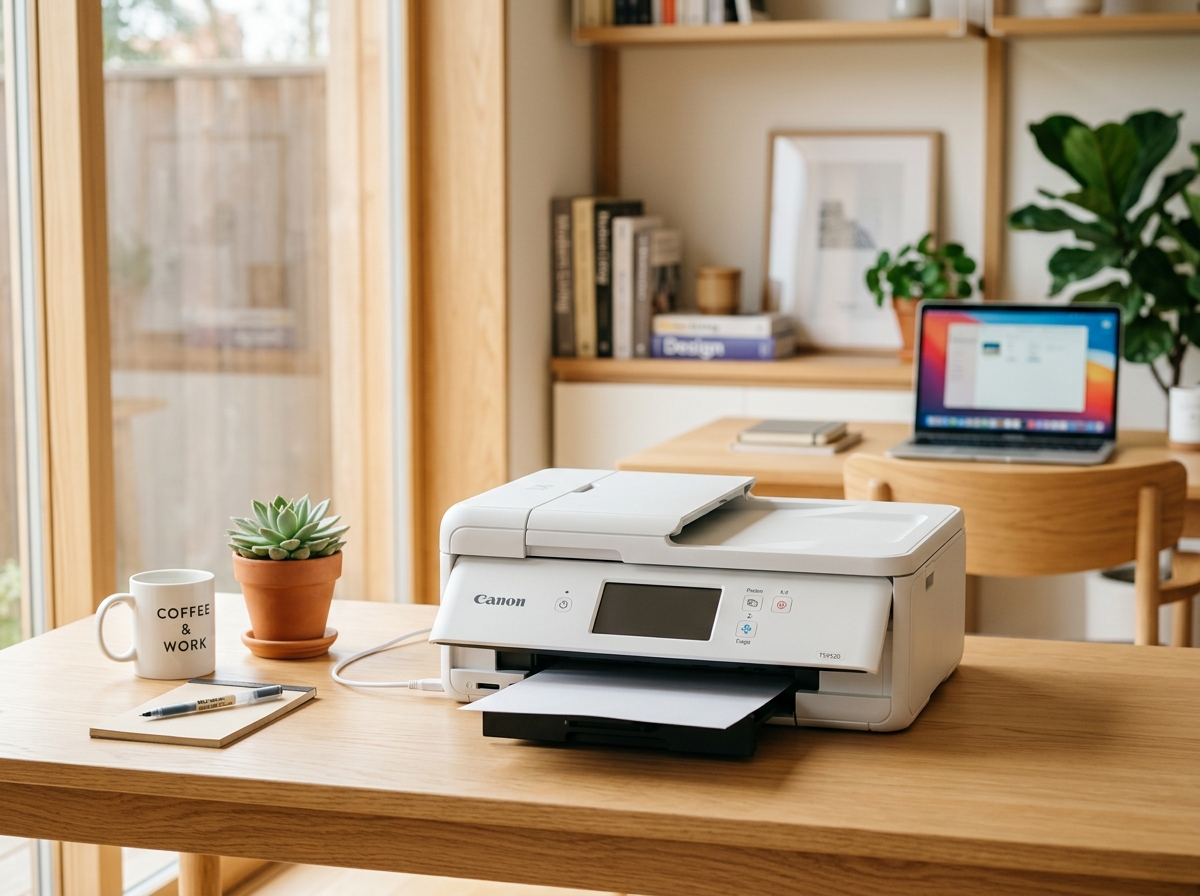
Wireless printers are highly convenient until they lose connection to your home network. Spooler errors can pause print jobs, and outdated drivers can prevent computers from recognizing the printer. We configure stable wireless connections and set up scanners so you can work without interruptions.
Specific Issues We Solve:
Fixing connectivity drops that prevent laptops, iPads, or smartphones from finding the printer on the Wi-Fi network.
Purging document spoolers that block the print line, and solving blank-page print errors.
Connecting new wireless printers to Wi-Fi routers and setting up secure connections on your devices.
Configuring scan-to-folder properties, scanner client updates, and fixing missing driver error codes.
Cleaning feed rollers to prevent the printer from grabbing multiple sheets at once, and fixing fake jam sensor alerts.
Cleaning blocked ink nozzles/printheads, calibrating alignment, and fixing vertical lines or blank spots on printouts.
Wi-Fi & Internet Optimization
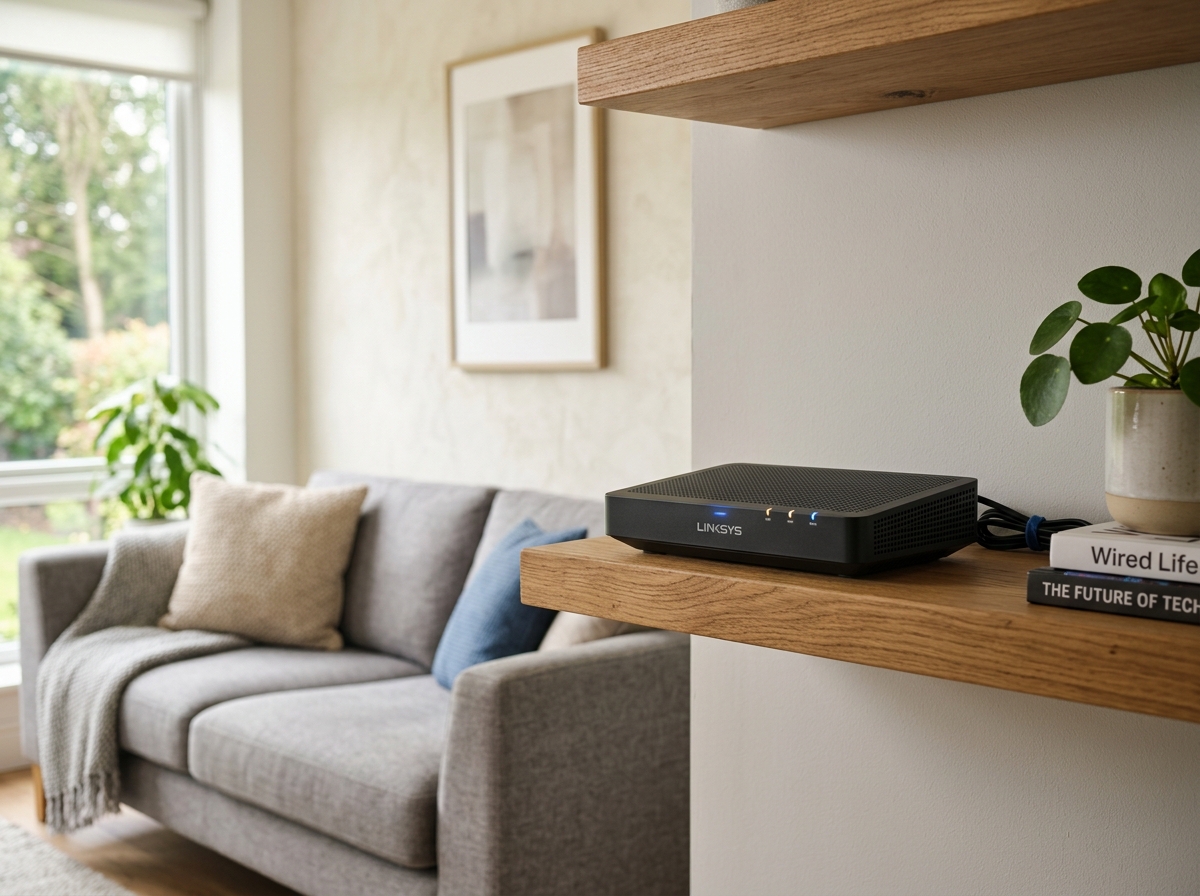
A weak Wi-Fi signal can cause video calls to freeze and streaming videos to buffer. Often, standard routers cannot cover the entire house, resulting in deadzones. We inspect your home layout, configure routers, and install mesh systems to provide fast, reliable Wi-Fi in every room.
Specific Issues We Solve:
Finding and resolving internet speed drops, video calls dropping, and continuous movie buffer screens.
Installing Wi-Fi extenders and mesh systems to expand the wireless coverage to backyards, garages, and basements.
Configuring secure wireless network names (SSID) and passwords, and installing fresh home routers and modems.
Configuring secondary guest Wi-Fi paths for smart appliances so your main computer files stay secure from access.
Resolving IP conflict warning alerts that repeatedly drop connections on your home laptops, phones or printers.
Wiring direct high-speed Ethernet lines from routers to desktop computers, streaming TVs, or gaming consoles.
Smart Home Devices & IoT Setup
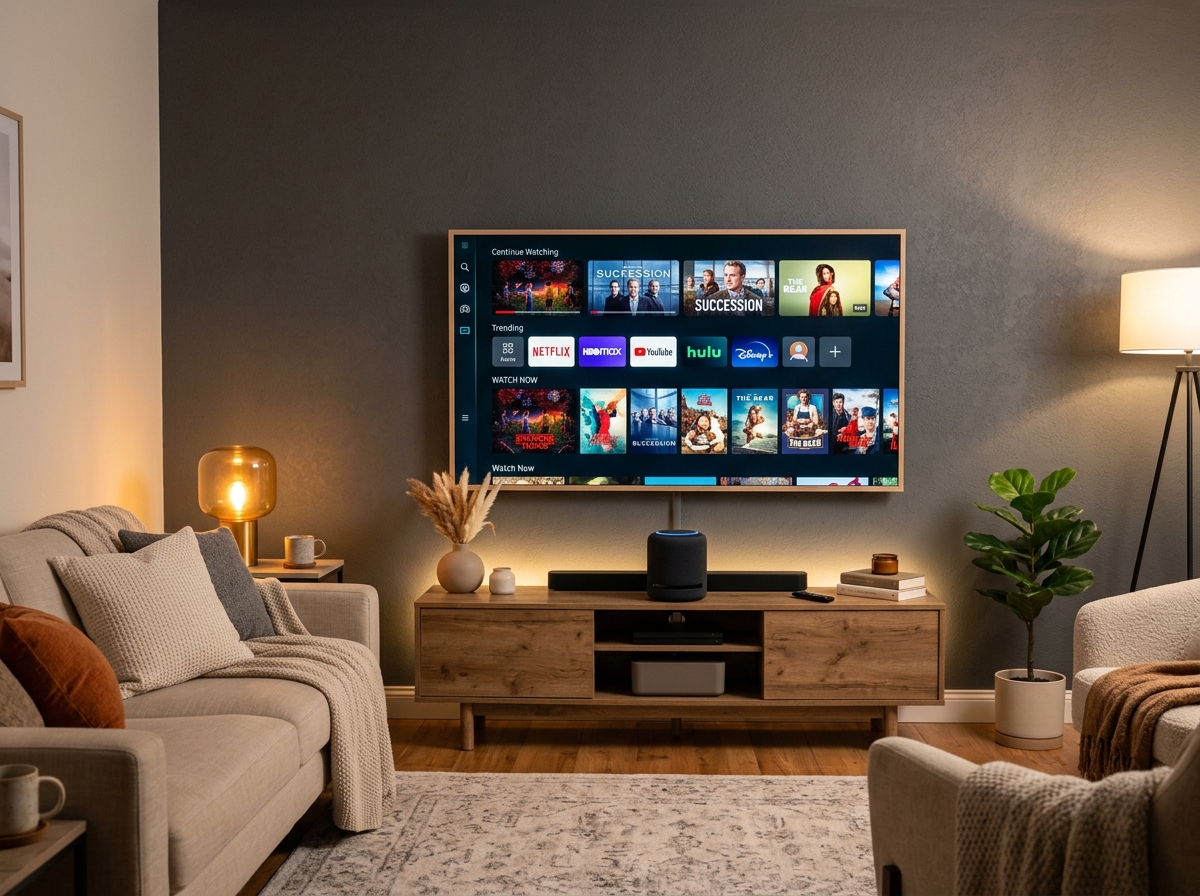
Smart devices bring incredible automation to your household, but getting them configured together can sometimes be complicated. Whether you are setting up a smart TV, security cameras, smart speakers, or streaming boxes, we ensure they connect securely to your home Wi-Fi and sync properly.
Specific Issues We Solve:
Fixing smart TVs that repeatedly disconnect from your local Wi-Fi, Netflix, YouTube, or Prime Video accounts.
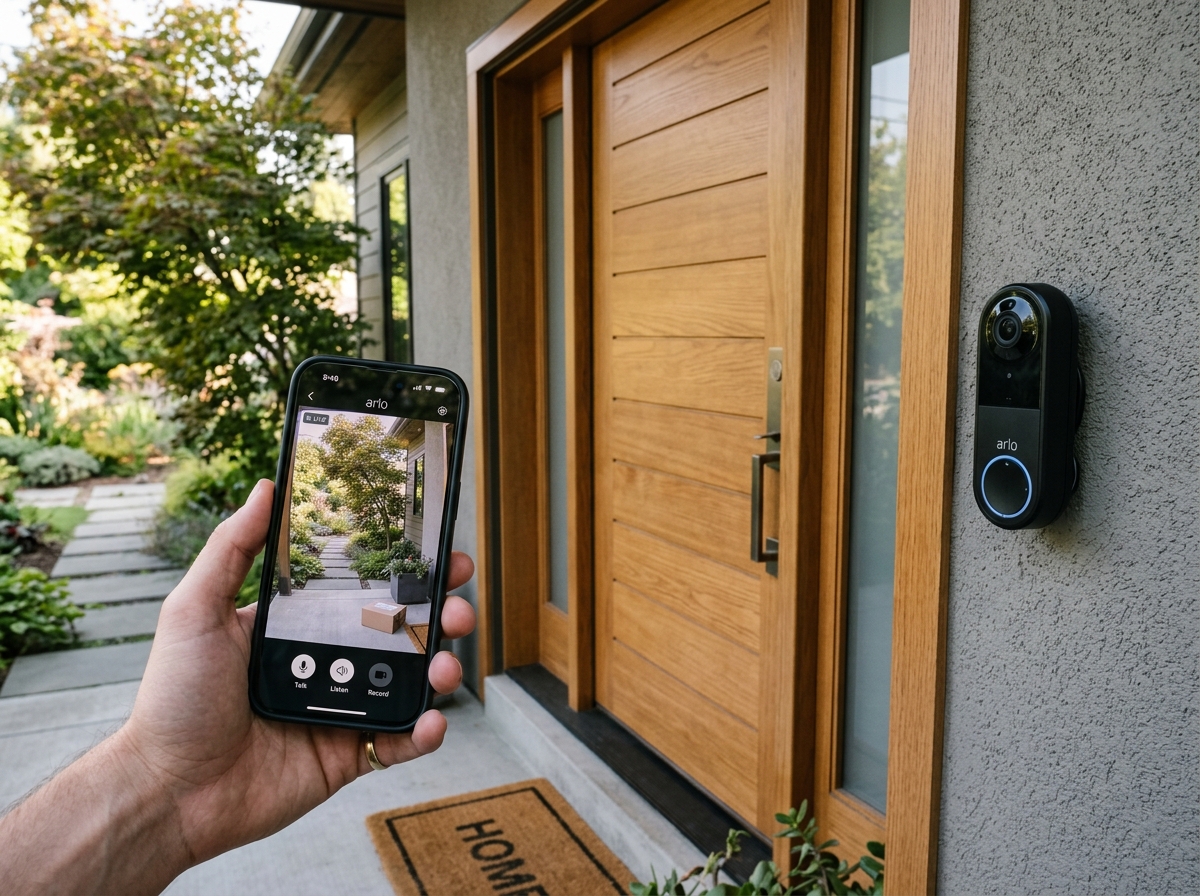
Connecting Wi-Fi doorbells and smart security cameras to your network, and syncing feeds to your phone app.
Configuring voice assistants (Alexa or Google Home) to control smart lights, smart switches, and smart appliances.
Setting up Firesticks, Apple TVs, or Chromecasts that freeze, show no sound, or display account authentication errors.
Connecting smart soundbars, sound receivers, or Bluetooth home speakers to smart TVs via HDMI eARC links.
Configuring central IoT automation hubs to program smart thermostats, lock schedules, and home lighting scenes.
Smart Security Cameras & Smart Locks
Protecting your family begins with clean and secure home security setups. From keyless locks to wireless doorbell cameras, connected security hardware gives you peace of mind. We mount, connect, and configure your devices so you can monitor your property directly from your smartphone.
Specific Issues We Solve:
Installing and wiring Ring or Nest doorbell cameras, and configuring mobile alerts when someone rings.
Fitting keypad or biometric deadbolts on your front door, and setting up Bluetooth proximity keys.
Mounting wireless outdoor cameras, connecting power adapters, and setting up motion detection zones.
Configuring door and window contact sensors to notify your phone instantly if an entryway is opened.
Configuring outdoor security lights to turn on automatically upon detection of motion or on custom night schedules.
Syncing security camera feeds and notifications across multiple user smartphones for unified home monitoring.
Data Backup & File Recovery
Your personal photos, tax records, and documents are irreplaceable. Hard drive failures, file corruption, or accidental deletions can happen when least expected. We help setup secure backup channels and perform software recovery to retrieve deleted files and transfer data to new devices.
Specific Issues We Solve:
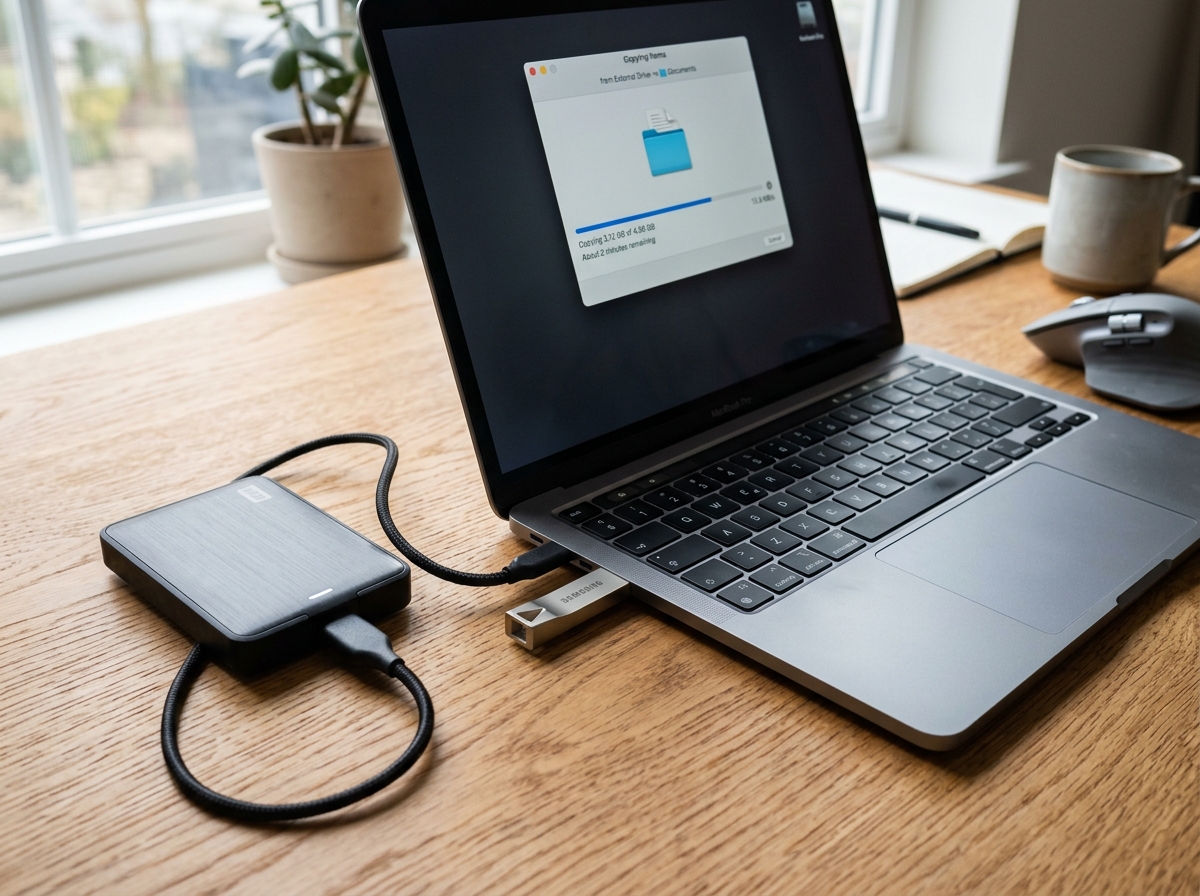
Configuring external hard drives and solid state backup drives, and setting up automated schedule backups.
Configuring automated cloud sync channels (Google Drive, OneDrive, or iCloud) to backup critical files continuously.
Moving all files, bookmarks, family photos, and browser logins safely from your old computer to a new laptop.
Recovering documents, photos, or sheets that were accidentally deleted or emptied from the system trash bin.
Attempting file recovery from sluggish, clicking, or corrupted external USB flash drives and memory cards.
Restoring essential system files after major operating system failures while keeping personal documents safe.
Common device issues and solutions
Select a common device issue below to see a simple breakdown of what causes the problem and how we can help you resolve it.
My computer takes a long time to start up, freezes when opening folders, or runs slowly.
Why this happens:
- • Dust building up inside cooling vents.
- • Too many background programs starting up automatically.
- • Old mechanical hard drives running out of read/write speed.
How we fix it:
We clean out internal dust, apply fresh thermal paste to keep components cool, stop resource-heavy startup apps, or install a fast solid-state drive (SSD) upgrade.
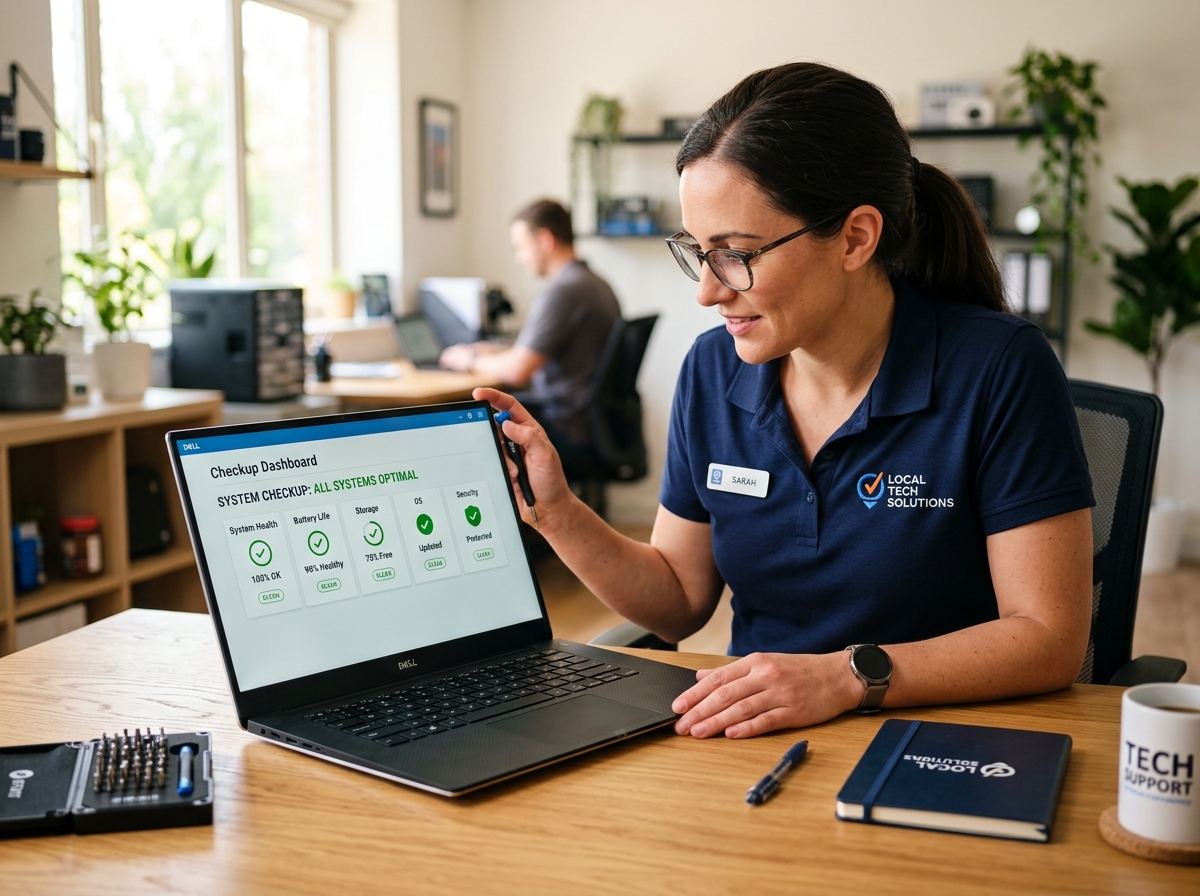
Genuine diagnostics and system integrity
We ensure your files, hardware components, and software setups are handled under professional privacy and data guidelines. Our device checkup focuses on finding the root hardware or system errors before executing physical component modifications.
Schedule Device Setup & Diagnosis
Submit your device details and descriptions of the problem. Our dispatch team will review your inquiry and contact you to coordinate a convenient visit or troubleshooting session.